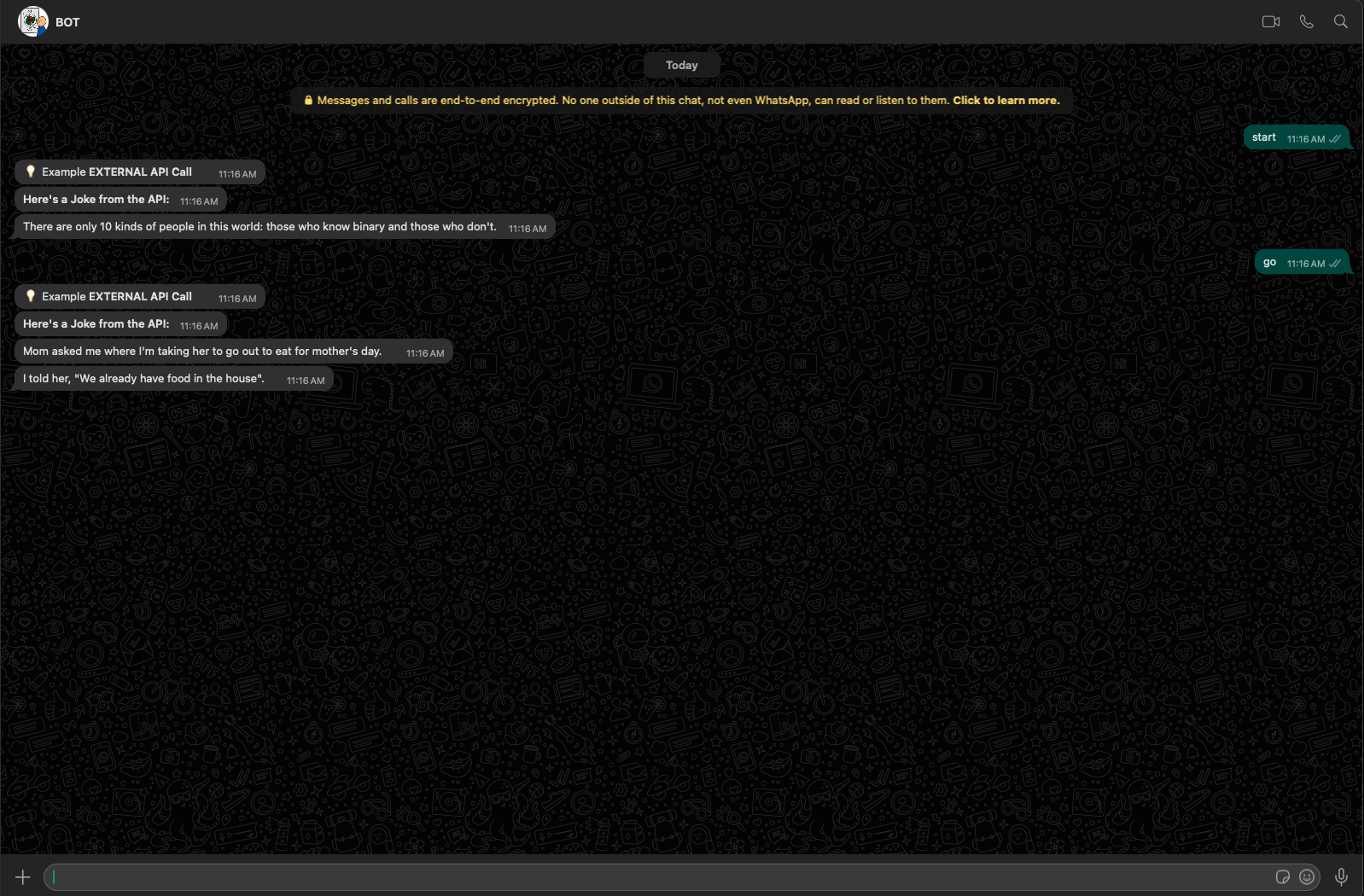
External API Call
Firstly, let's create a script named 'get_joke.ts' inside a folder called 'services'. This script will handle the API call to the external service and return the response. Then, in our 'app.ts', we import it, make the call, and display the response accordingly.
import axios from 'axios'
import { config } from 'dotenv'
config()

const apiKey = process.env.X_RapidAPI_Key
export async function generate_joke() {
    try {
        const options = {
            method: 'GET',
            url: 'https://jokeapi-v2.p.rapidapi.com/joke/Any',
            params: {
                format: 'json',
                idRange: '0-150'
            },
            headers: {
                'X-RapidAPI-Key': apiKey,
                'X-RapidAPI-Host': 'jokeapi-v2.p.rapidapi.com'
            }
        }
        const response = await axios.request(options)

        if (response.data.type === 'single') {
            return { joke: response.data.joke, delivery: null };
        } else if (response.data.type === 'twopart') {
            return { joke: response.data.setup, delivery: response.data.delivery };
        } else {
            return { error: true, message: 'Tipo de chiste no reconocido' };
        }
    } catch (error) {
        return { error: true, message: `API error: ${error}` };
    }
}
Resources
Modularize
Learn how to modularise flows so that you can have a more maintainable bot.
Send Message
How to send a message via HTTP to start conversations, you can send multimedia as well.
Dockerizer
A good practice is to dockerise your bots to make them more maintainable and effective.
Events
Learning about events will make us more fluent when creating chatbots.